K2K Packet Desktop
Cross-platform AX.25 Packet Terminal
Cross-platform AX.25 Packet Terminal
🐙 Source, issues and release notes: github.com/Josh-kk6sen/k2k-packet-desktop



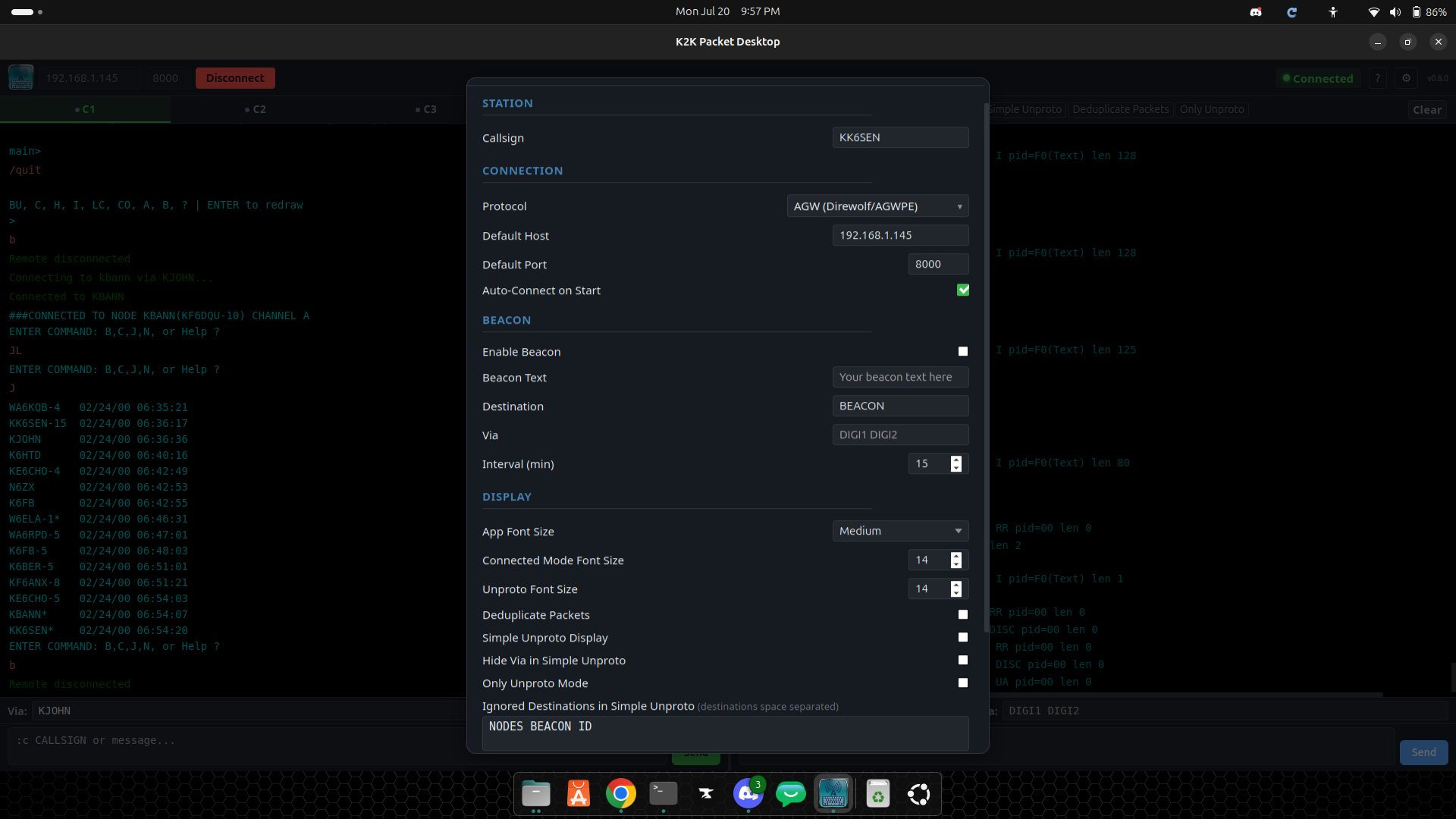
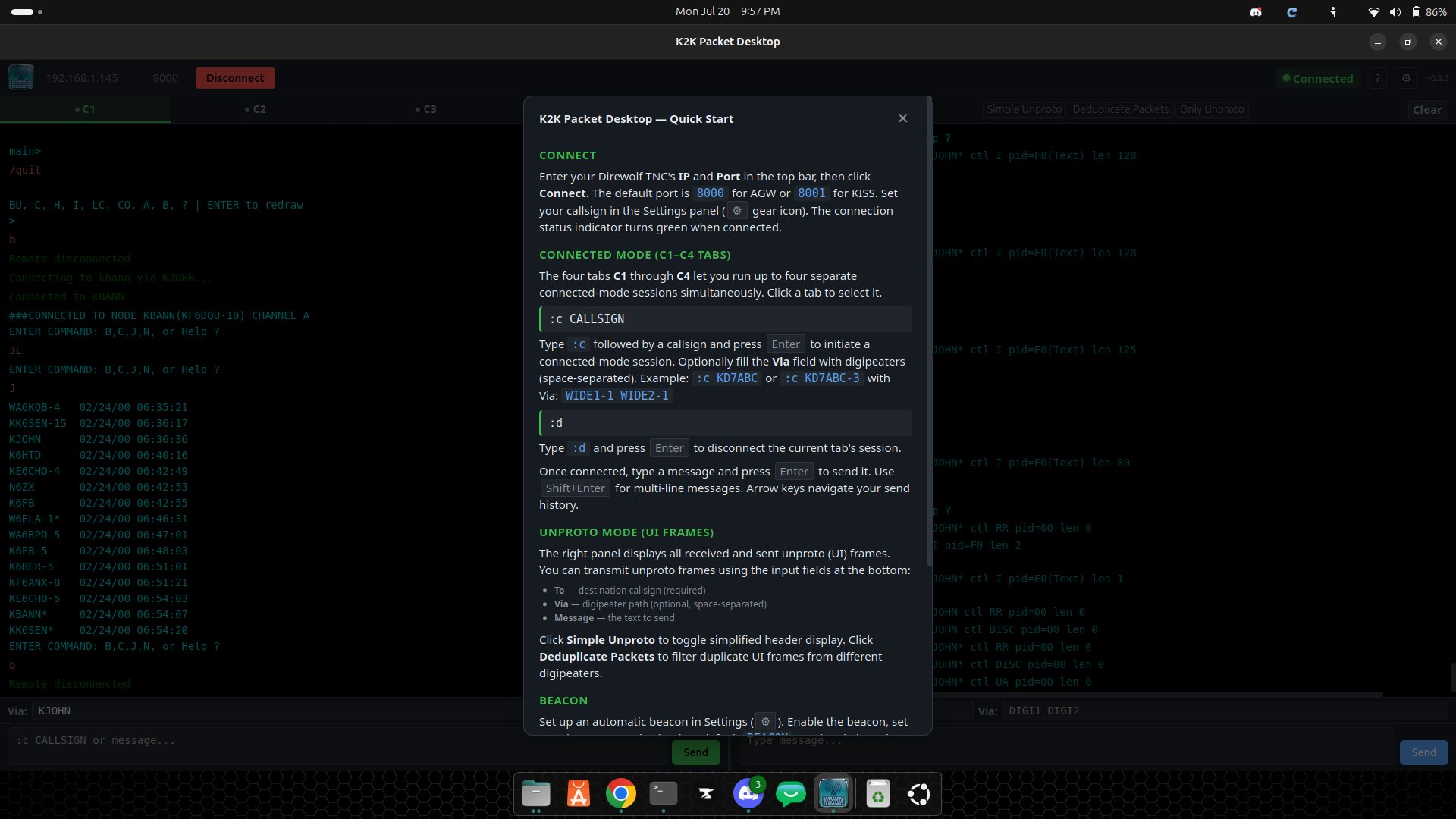
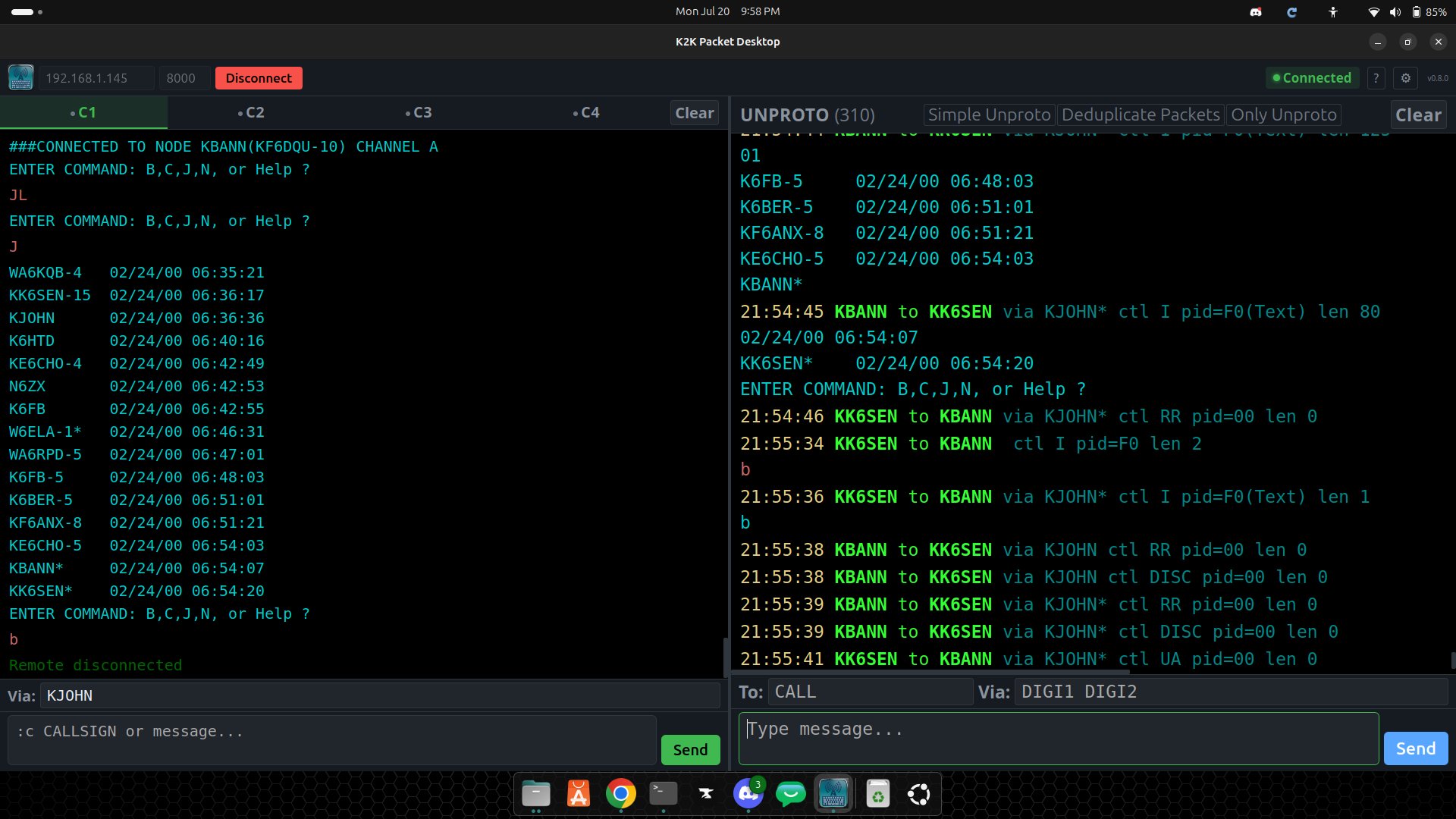
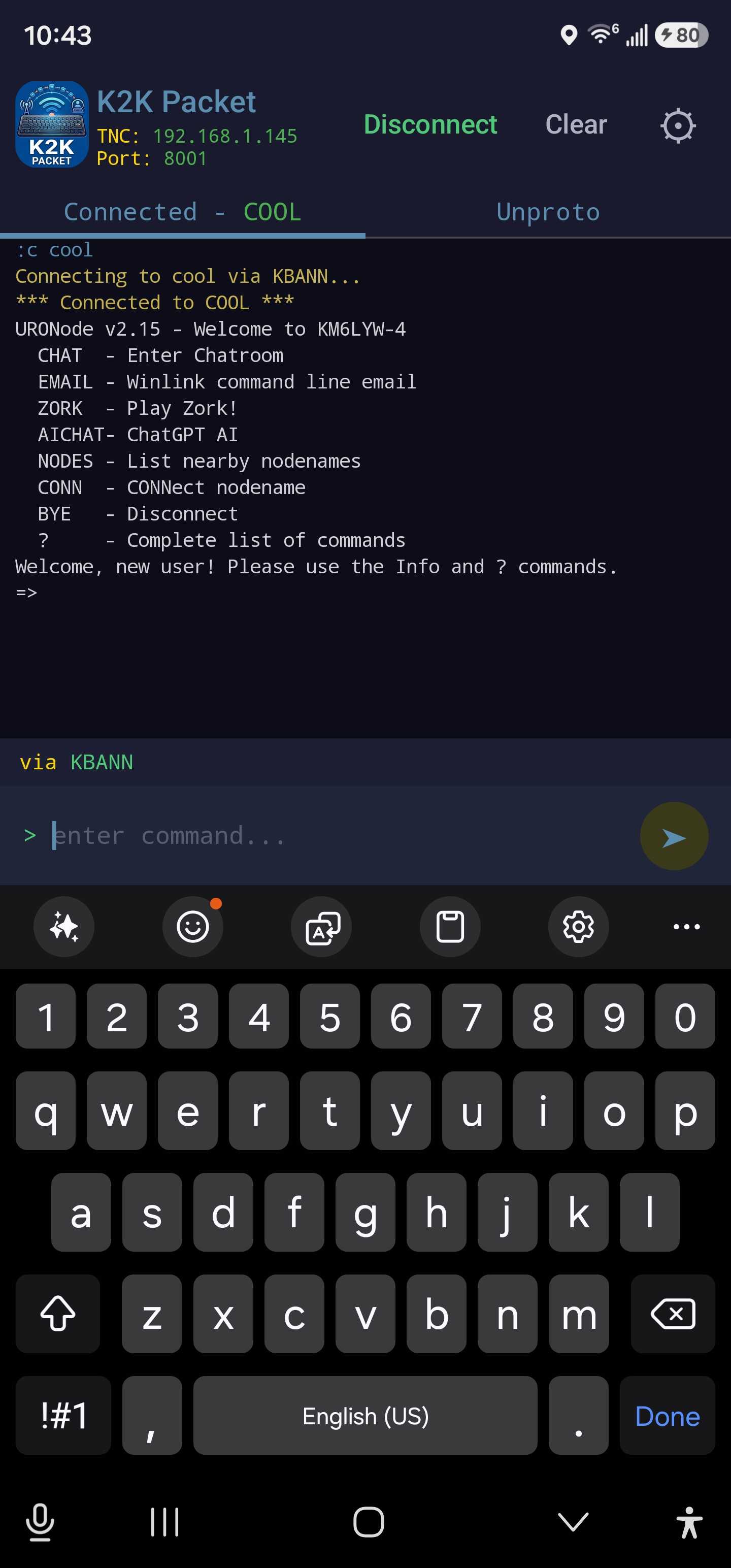
A cross-platform KISS and AGWPE packet radio terminal for Windows, MacOS, and Linux.
📥 Download the latest installers — Windows .exe, macOS universal .dmg, and Linux .deb (amd64 desktop, arm64 desktop, armhf headless for Raspberry Pi) — from the Releases page. Or build from source — see Getting started on the GitHub.
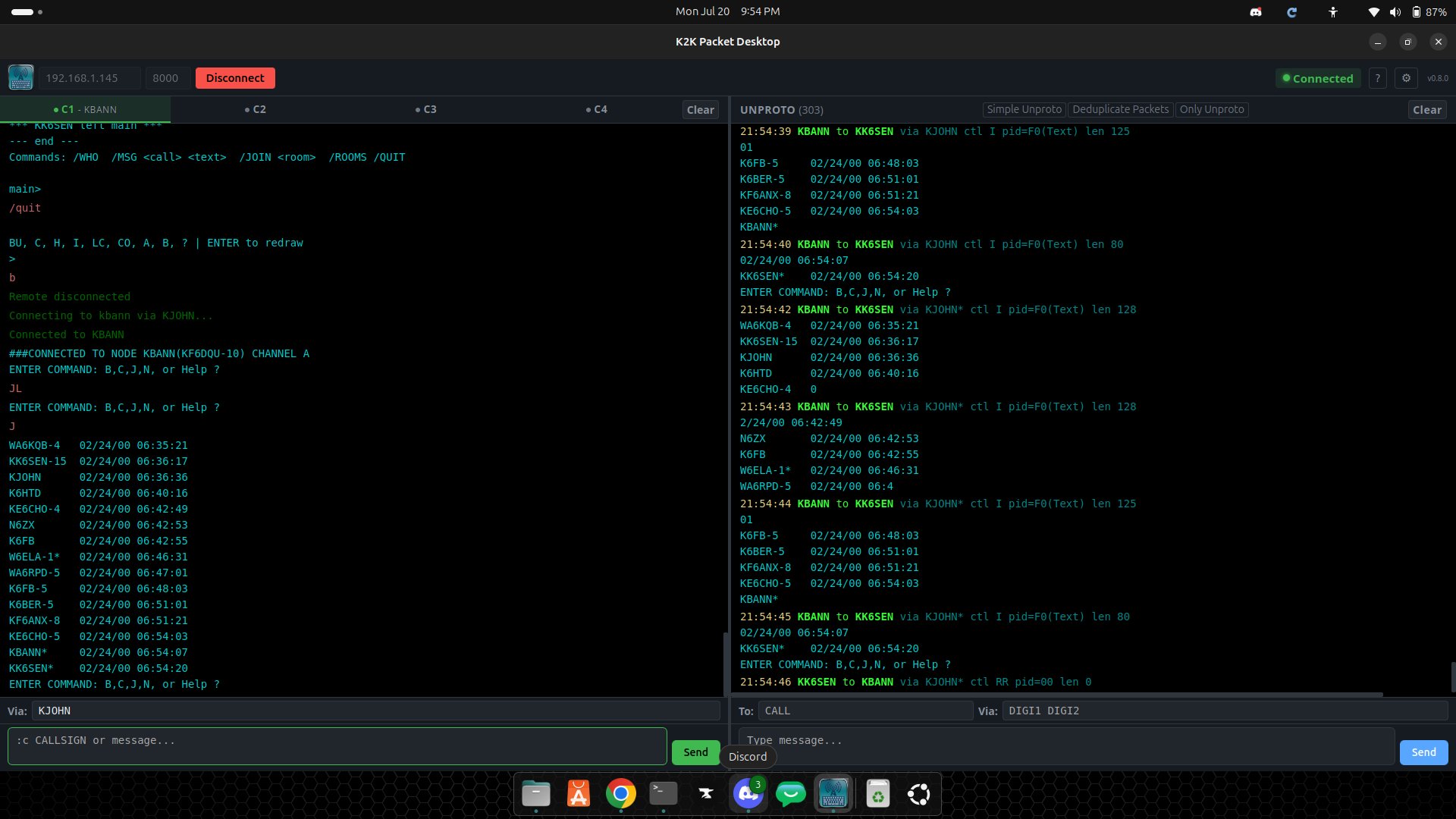
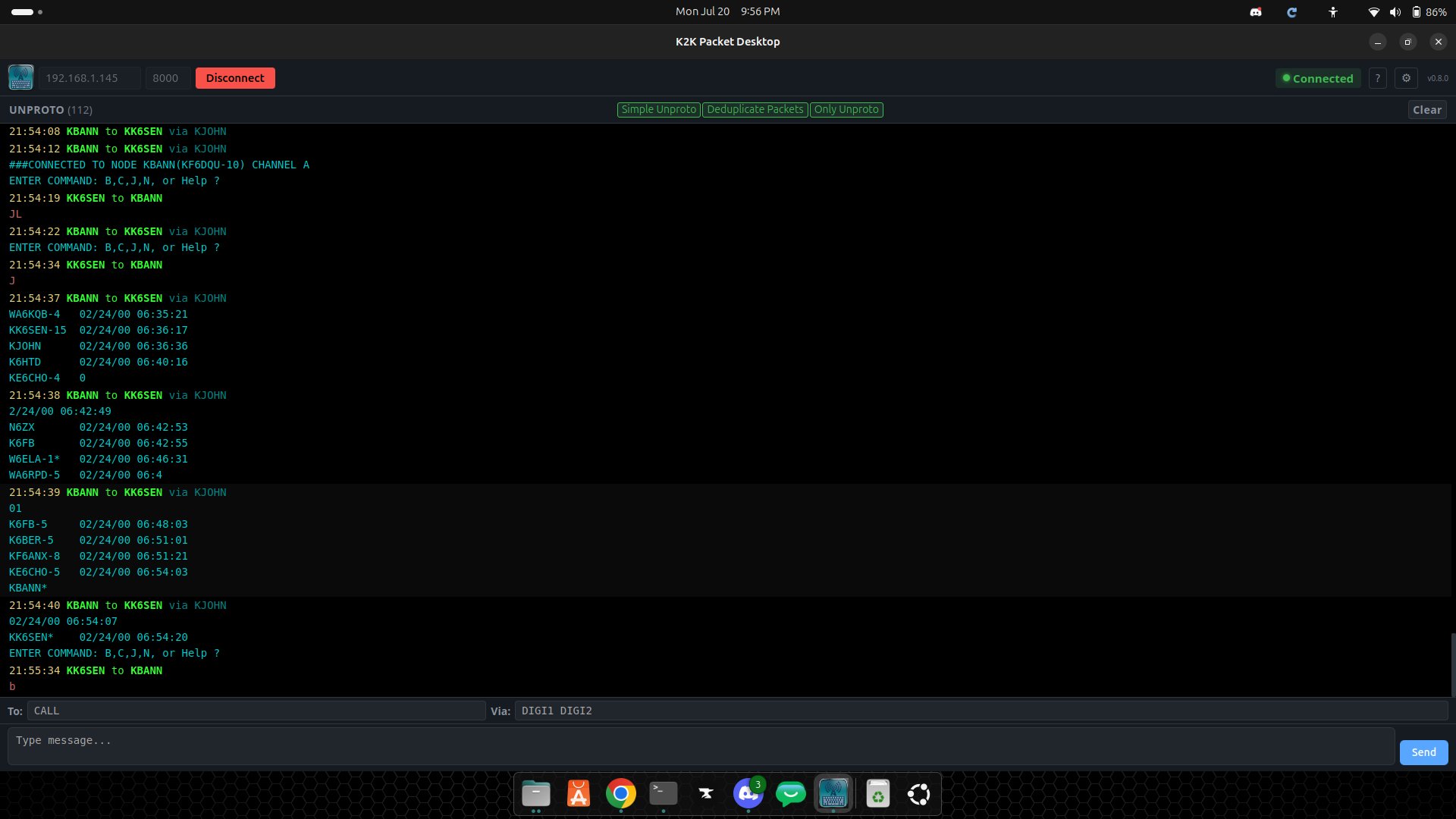
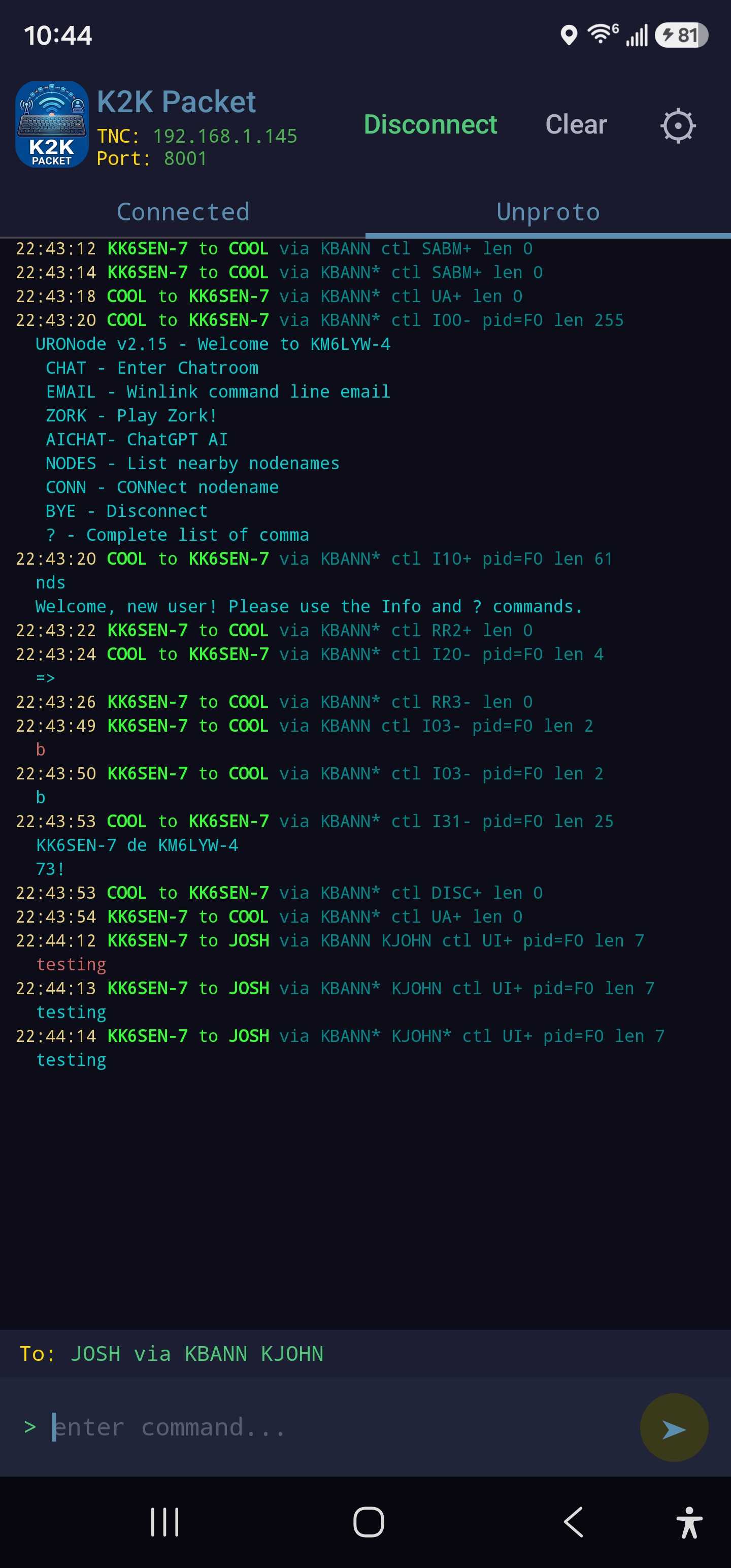
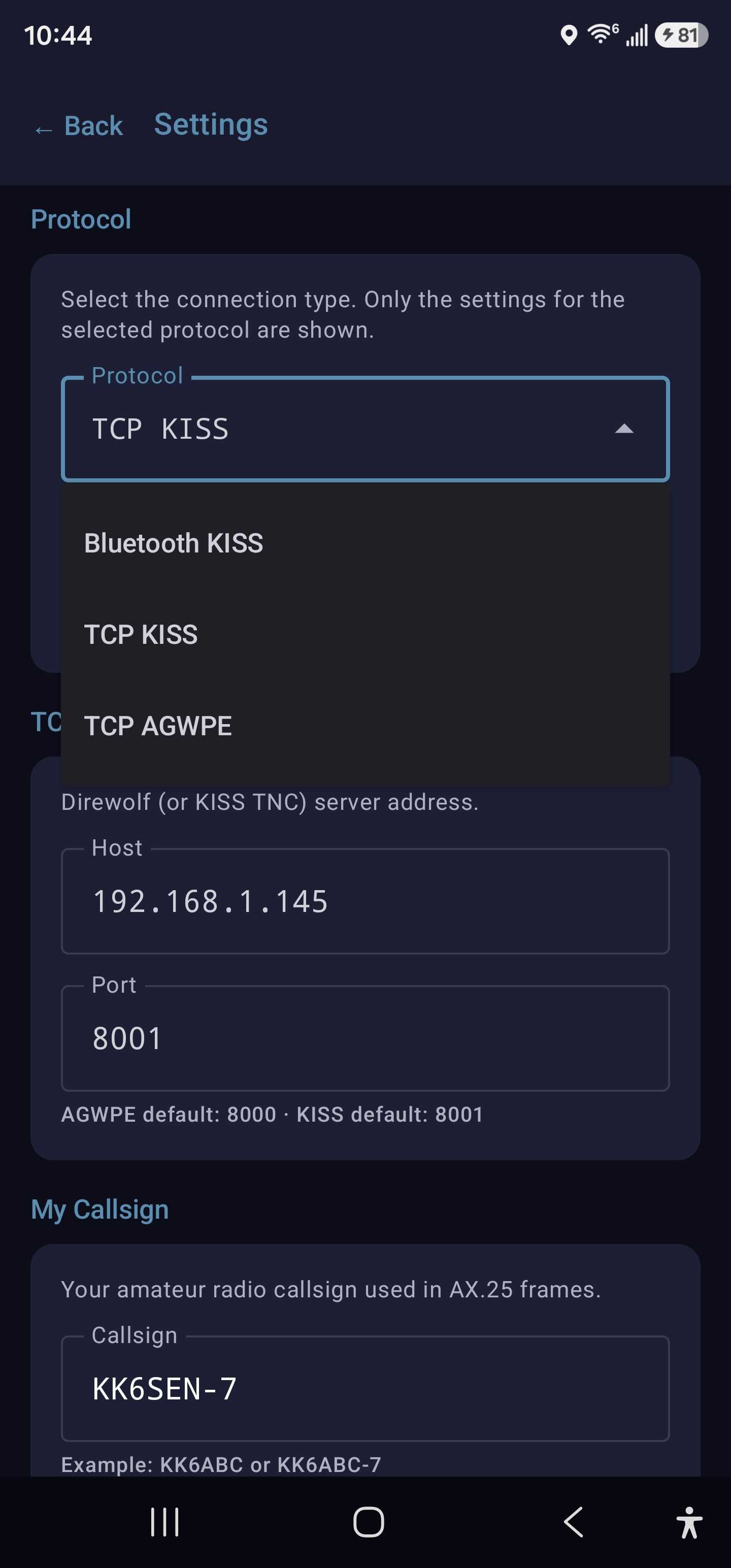
Connects over TCP to any KISS-compatible or AGWPE TNC and provides a full connected-mode AX.25 terminal. Tested against the Direwolf software TNC.
--web to serve a local browser based client — the 32-bit ARM package has its own download page.For details, please see the GitHub.
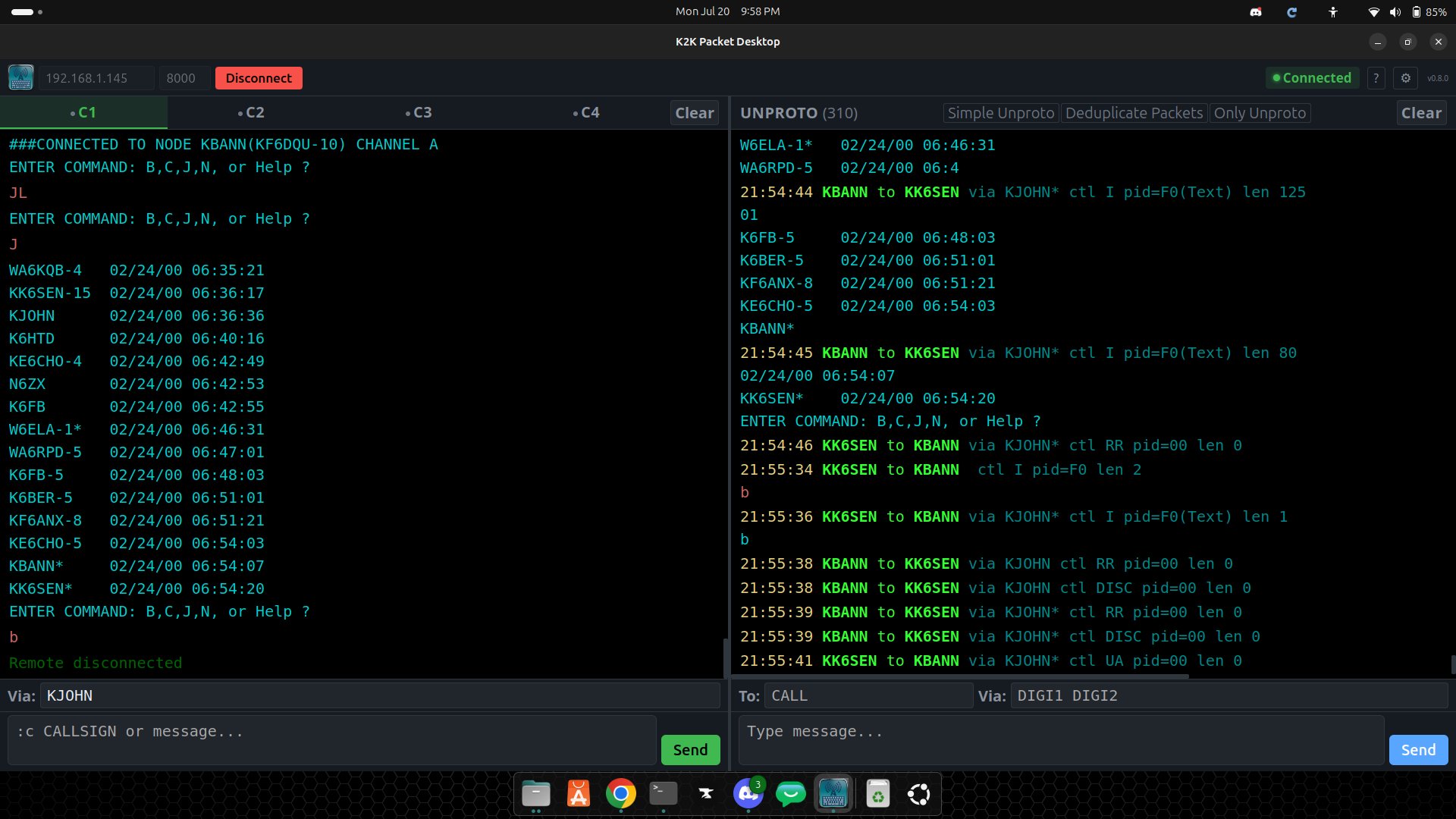
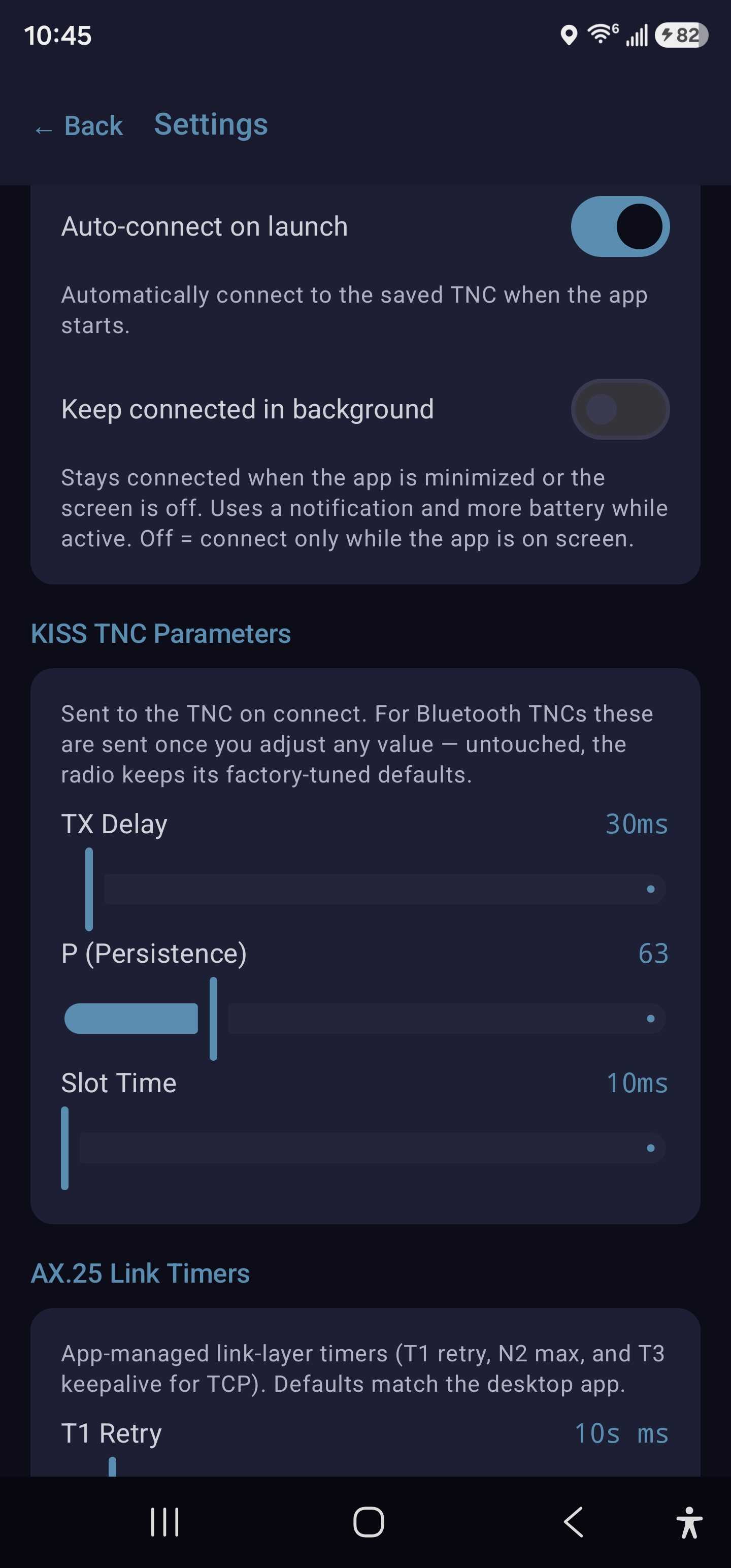
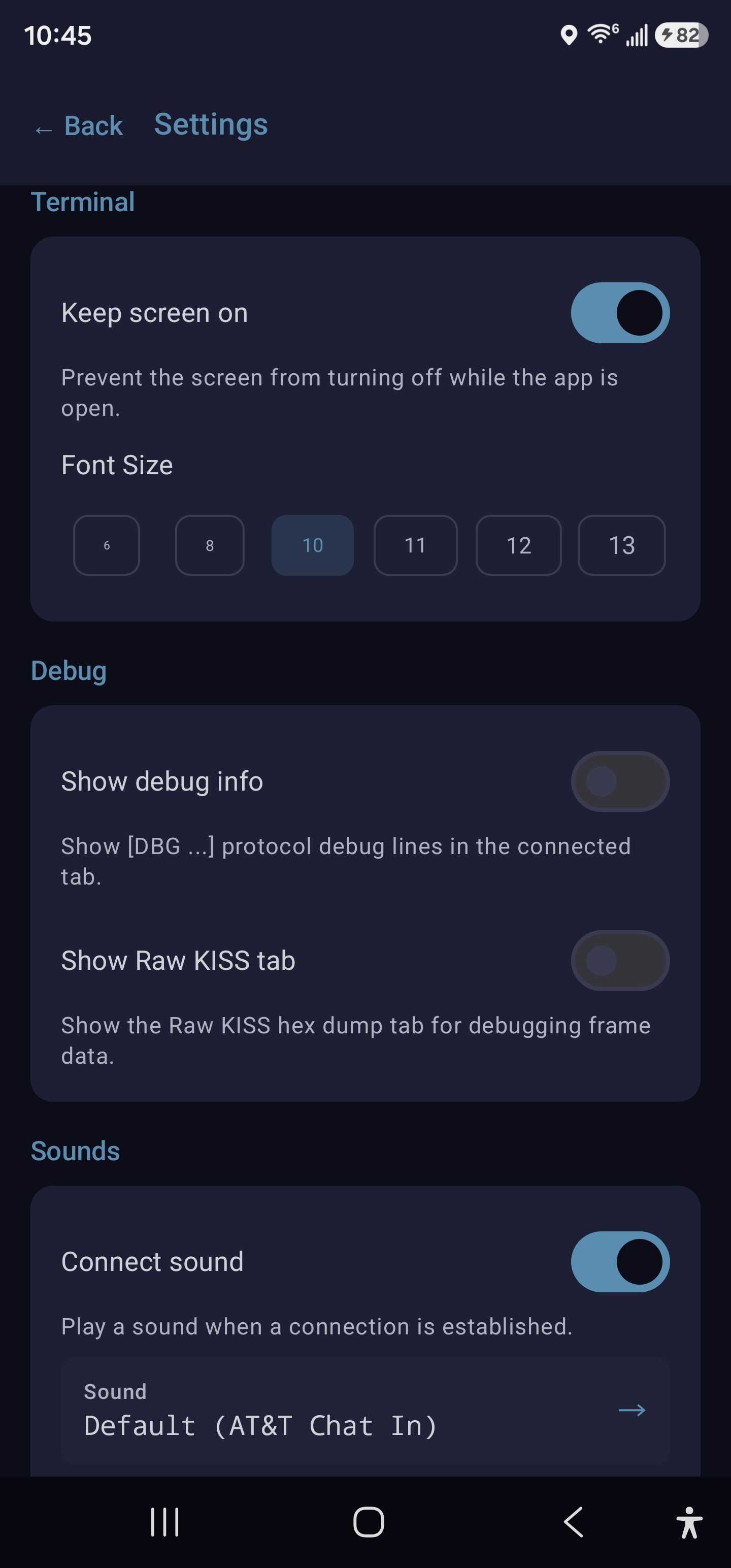
⚠️ Experimental: The Android app is a test build for evaluation — it may have rough edges. Install and use at your own risk.
Windows: Run the installer and follow the setup wizard.
Linux (Debian/Ubuntu):
sudo dpkg -i K2K_Packet_Desktop_0.11.38_amd64.deb
Linux (64-bit ARM / Raspberry Pi OS 64-bit):
sudo dpkg -i K2K_Packet_Desktop_0.11.38_arm64.deb
Linux (32-bit ARM, headless — no window, browser client):
sudo dpkg -i k2k-headless_0.11.38_armhf.deb
macOS: Open the .dmg and drag K2K Packet Desktop into Applications. The build is ad-hoc signed, so on first launch right-click the app → Open (or allow it under System Settings → Privacy & Security).